


Looking for a way to stop worrying about WordPress updates? This article shows you what managed WordPress maintenance covers. We’ll walk you through everything, from basic updates to security checks.
Before starting a maintenance plan, most Brisbane business owners handle updates themselves. Instead of checking plugins weekly, they often forget until something breaks. Some site owners try a WordPress maintenance service instead, for consistent, hands-off upkeep.
The benefits include fewer crashes, faster load times, and stronger site security. Keep reading till the end, and find the right plan with DevelopersDex.
It’s an ongoing WordPress website care plan that handles updates, backups, and site health checks for you. Instead of logging in weekly to check for plugin updates, a managed service like DeveloperDex does that work in the background to remove the manual tasks business owners often skip when they get busy.

Providers monitor your site on a set schedule, usually weekly or monthly, depending on the maintenance plan you choose. Keep in mind that some plans cover basic updates only, while others include security scans, uptime checks, and performance reports as standard.
Either way, the goal stays the same: keep your site secure, fast, and running without you lifting a finger. And it’s exactly what ongoing maintenance should feel like: invisible.
Ever skipped a WordPress update because you were too busy? A few things tend to go wrong once maintenance gets pushed aside, including hacks, slow load times, and lost content.
Here’s what to watch for:
Through our hands-on experience managing WordPress platforms for Brisbane businesses, we’ve seen small delays turn into full site outages within a week. That’s exactly why a proper maintenance plan has more to do with than just updates, so let’s look at what’s actually included.
We include a few core things in every WordPress maintenance plan. They are regular software updates, security monitoring, automated backups, and performance checks. To see the full breakdown, you can read our WordPress maintenance guide below.
Plugin updates patch security holes and fix bugs developers find every week. Because of that, compatibility checks matter just as much, since a single new update can break your site’s layout or crash a page entirely.
We test theme and plugin updates on staging environments before pushing them live. This step catches conflicts early, so your live site never takes the hit. WordPress core updates go through the same process, since even small core changes can affect how plugins behave.
Security monitoring scans for malware, suspicious logins, and file changes daily. This constant scanning keeps malicious traffic and security threats away from your live site before they cause damage.
On top of that, an expired SSL certificate warns visitors your site isn’t secure, which hurts trust instantly. We renew free SSL certificates automatically, so your padlock icon never disappears. Malware scanning and removal run alongside this, backed by web application firewalls for an extra layer of defence.
Now that updates and security are covered, let’s look at uptime. Proactive monitoring alerts our team the moment your site goes down, day or night. And this tracking covers a few key areas:
Slow load times often signal a plugin conflict or a server issue underneath. Hence, we track uptime monitoring data weekly and flag drops in site speed before customers notice to keep WordPress performance steady.
Managed hosting bundles server speed, security, and support under one service, while a standalone hosting provider leaves updates and monitoring entirely up to you.
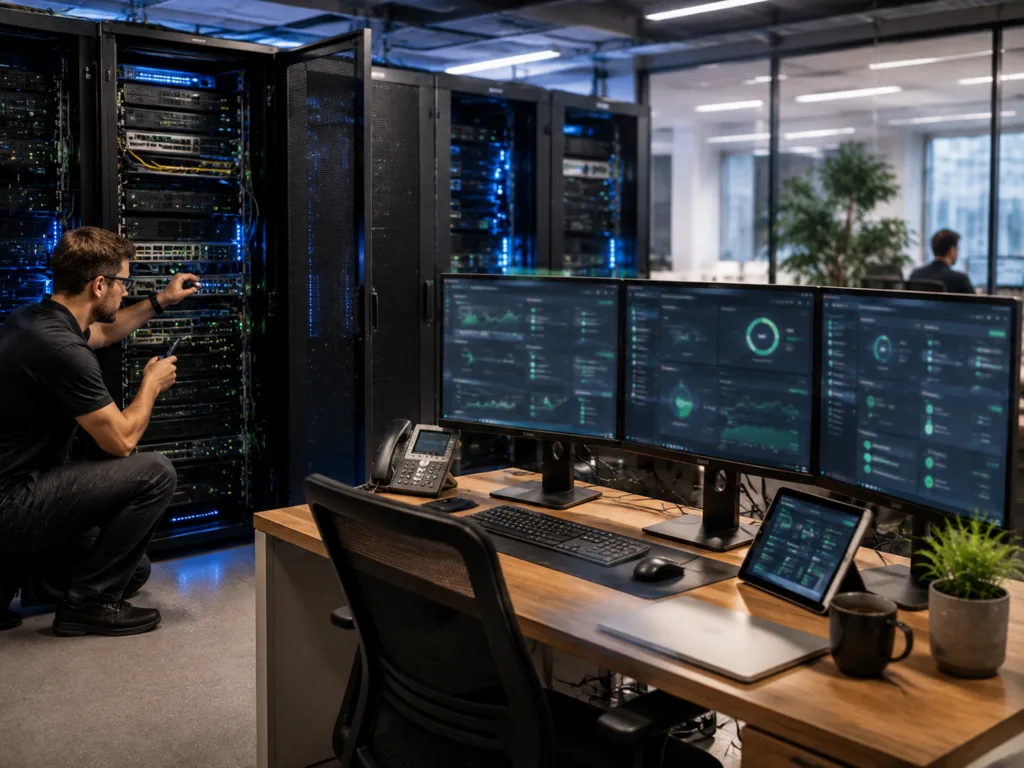
Here’s how the two compare:
| Feature | Managed WordPress Hosting | Standalone Hosting Provider |
| Updates | Handled for you | Your responsibility |
| Security monitoring | Included | Extra cost or none |
| Support | WordPress specific | General hosting only |
| Server setup | Optimised for WordPress | Shared or generic |
A hosting provider running shared hosting on the same server as hundreds of other sites can slow your WordPress site down during traffic spikes. That’s why managed WordPress hosting plans often cost more, but they save hours of manual work and include database optimisation as standard.
No developer tools or coding knowledge are required to use our WordPress support service. We manage every technical aspect ourselves, from setup through to ongoing checks.
When it comes to custom development, that work also sits with our team, not you. Database backups run on schedule, and any conflicts between plugins get sorted before they cause a problem.
On that note, you’ll receive regular updates written in plain language, with a short note on what changed and why it mattered for your site. You shouldn’t need a computer science degree to understand your own website.
Most maintenance plans run weekly checks, with daily security scans included as standard. That schedule catches small issues before they turn into bigger, costlier ones down the track.
Because rushed updates sometimes cause more harm than good, major plugin updates should wait 48 hours after release. By holding off, developers have sufficient time to catch reported bugs first, so you’re not the one testing a faulty update on a live site.

On the backup side, automatic backups should run at least once per week, minimum. A copy stored off-site adds another layer of protection, in case your main server fails or gets compromised somehow.
And when something does go wrong outside of schedule, emergency fixes step in. These typically get handled within hours of a report coming in, not days.
If update stress, slow load times, or the odd security scare sound familiar, a maintenance plan is worth considering. We’d suggest starting with what your site actually needs, rather than the biggest package on offer.
A few things to weigh up before choosing:
Have a chat with DevelopersDex, and we’ll help you find the plan that suits your site, not someone else’s.
Company Reviews