
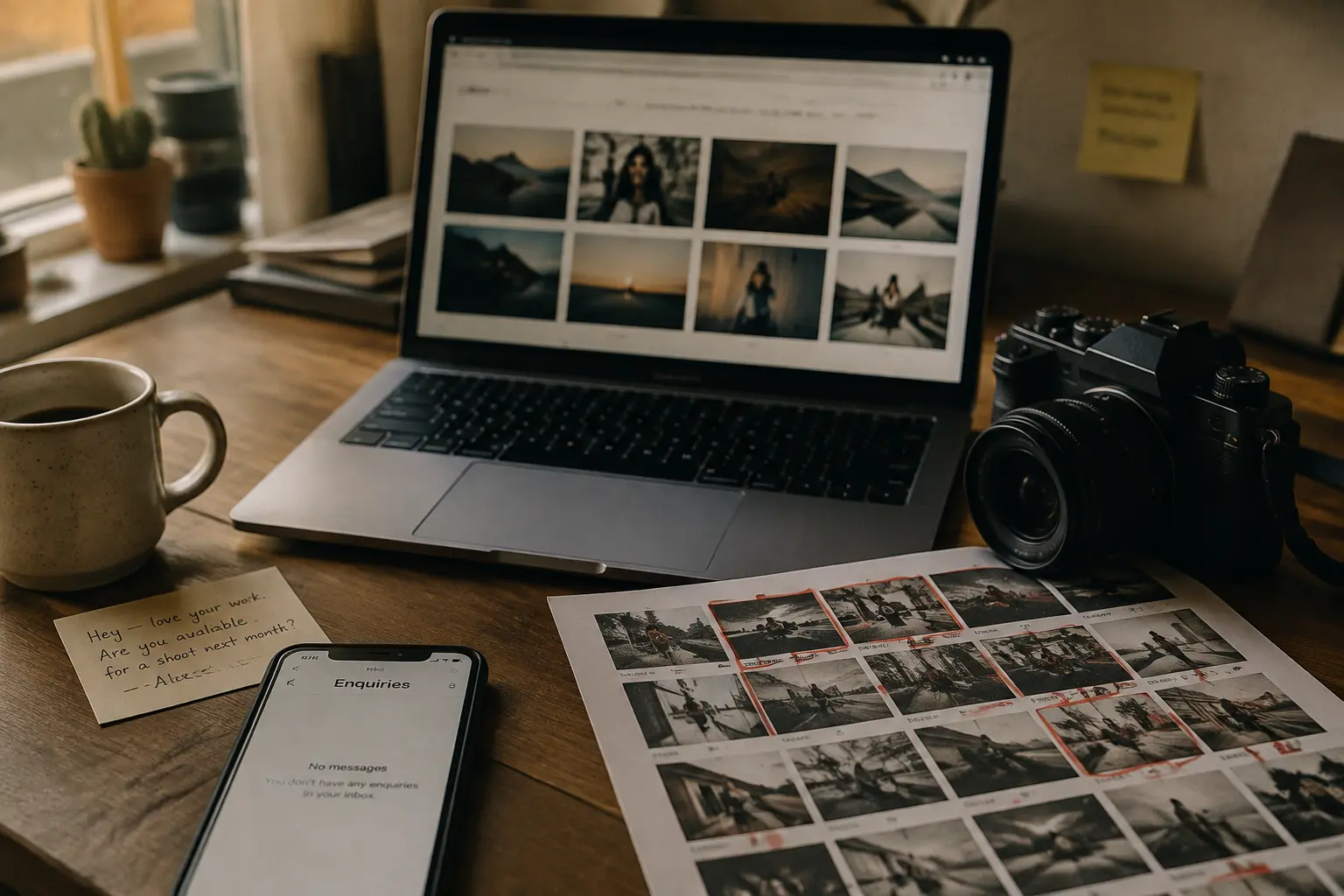
Your photography is good, and people are finding your website. But the enquiries aren’t going anywhere. The same number of people seem to visit each month, yet your inbox isn’t getting any busier.
There are usually two reasons for that. Your website might not convince visitors you’re the right photographer, or it might make the next step harder than it needs to be. Maybe the gallery loads slowly, or the site feels clunky on a phone, so visitors give up before reaching your contact page.
Fortunately, there are ways to fix both, and we’ll show you how in this guide. You’ll learn what makes a photography website work, which features it needs, and how much it costs to build one properly.
Let’s get into it.
The main difference is the number of images. A standard service website might use 10 to 20 photos across the entire site. A photography website can easily show 50 or more by comparison, especially once a few full galleries go live. And each photo needs to stay sharp and clear without being blurry or pixelated, so website visitors can actually see the detail in your work.
But the problem is that image files are often much bigger than other files on a website. That means a page full of large photos can end up loading slowly. To avoid that, you’ll need a site built to handle those images without losing quality or speed.
The layout also needs to work differently. On a typical service website, text often leads the page and visuals support it. For a photographer, the photos are the main content. Galleries need to take centre stage, with text supporting the work rather than competing with it.
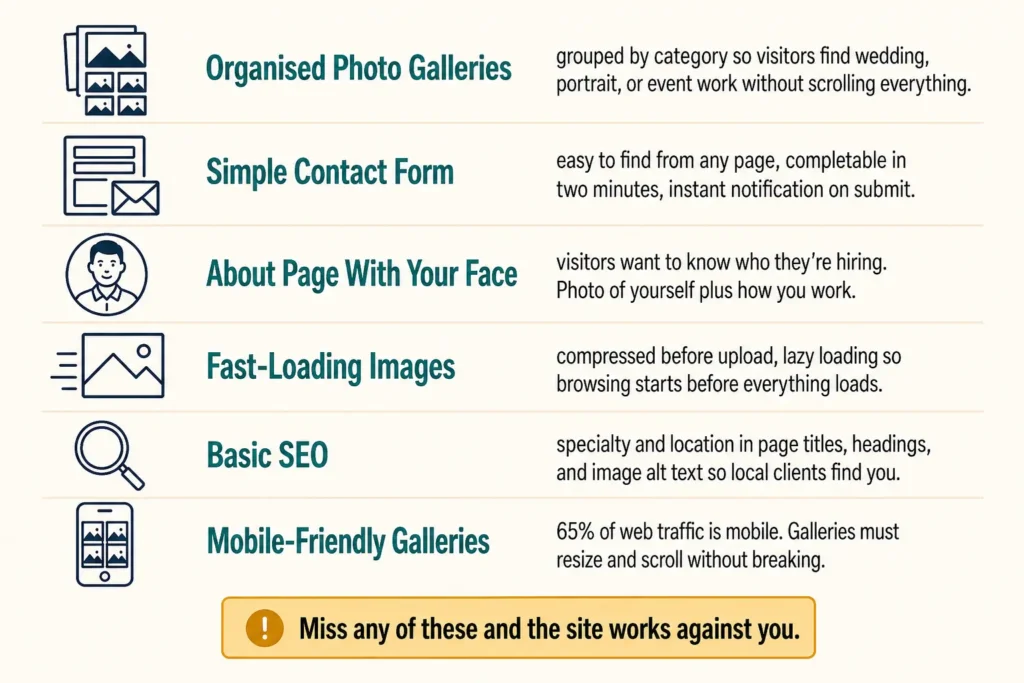
A photography website that wins enquiries has a few things in common. Miss any of these, and the site works against you.
These features remove common reasons for visitors to leave before making contact. We saw this firsthand when we audited a photography website last year, where difficult-to-use mobile galleries were costing the site potential enquiries. After rebuilding the galleries for smaller screens, enquiries increased by around 10%.
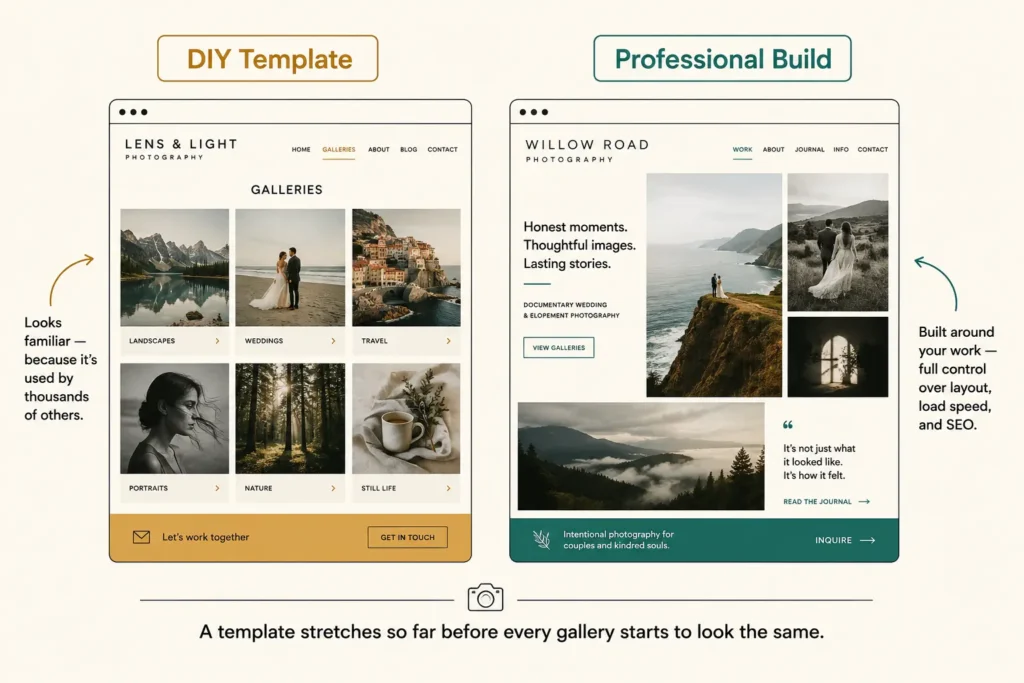
There are two ways to get a photography website built: a website builder or a professional web design service. Each one suits a different stage of your business.
DIY works best if you’re just starting or don’t have the budget for a custom build yet. Platforms like Squarespace let you put a basic site together in a few hours, with templates that already include gallery layouts and simple booking features.
The trade-off is that you can’t really set yourself apart. Work within a template, and your site will inevitably start to look like someone else’s on the same platform. You can customise things like colours and fonts, but even that only stretches so far before every gallery looks the same.
The difference becomes clearer when you compare it with web design for tradies. A tradie’s website usually needs a contact form, a service list, and solid local SEO to bring in leads. A photography website needs all of that too, plus gallery architecture that can handle hundreds of images without slowing the site down.
That extra layer is where a website designer earns their fee. A professional build gives you full control over layout, load speed, and search engine optimisation, instead of working within whatever a template allows.
Website design for photographers depends on what the site needs. Here’s a rough pricing guide.
| Website Type | Estimated Cost |
| Basic portfolio with 1–3 gallery pages | $1,000 to $2,000 |
| Multi-category portfolio with enquiry system | $2,000 to $4,000 |
| Full site with blog, SEO setup and booking integration | $4,000 to $8,000+ |
These ranges depend on the number of gallery categories, whether your business needs a blog, how much SEO work is included and whether you need ongoing support. So before you sign anything, make sure you know how maintenance is charged. Some designers charge a monthly fee, while others charge per update. Factor these costs into your budget from the start.
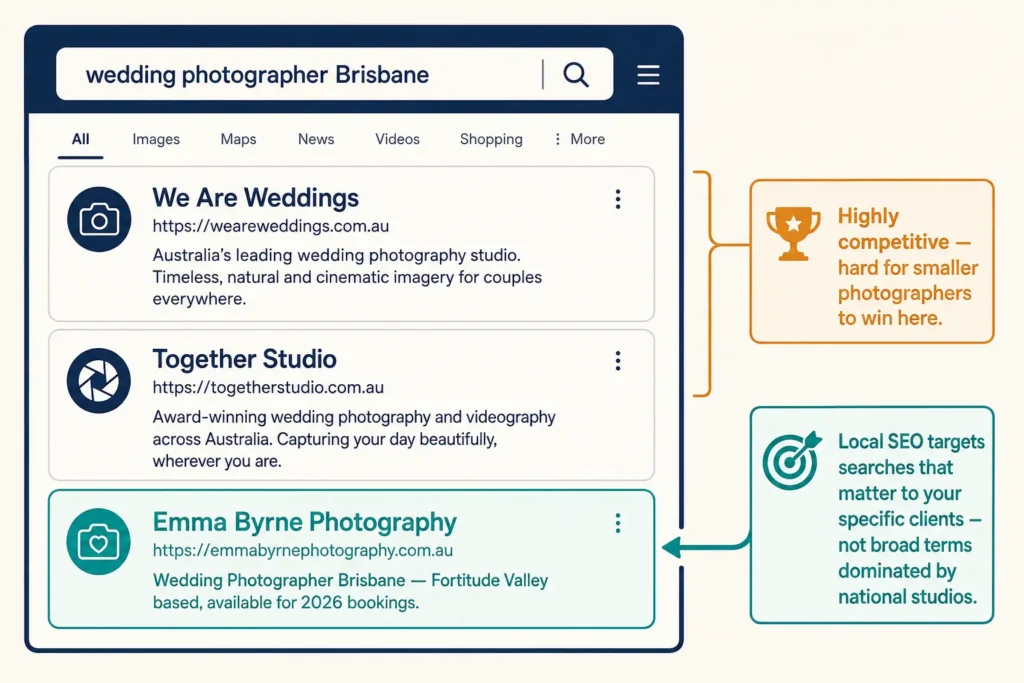
Local web design support gives photographers someone who understands the audience they are trying to reach. A designer who knows the local market understands how people search for photographers and what builds trust with them.
Think about it like choosing a restaurant. If you want pizza, you’re more likely to trust a great local pizzeria than a business serving customers across the country. The same principle applies when someone is choosing a photographer for their wedding, family, or business.
Local SEO also helps smaller photography businesses win more clients. Large brands and national studios can target broad terms such as “photographer” or “wedding photography”, but those searches are highly competitive. A local photographer can instead target searches tied to specific locations, such as “wedding photographer Brisbane” or “family photographer Gold Coast”.
The same principle applies to other local businesses. Web design for restaurants, for example, also needs to account for how customers search for nearby options. For photographers, that means a website built around the searches and clients that matter to your business.
The decisions you make when building your photography website affect its speed, presentation and how easily local clients find it. Getting those foundations right from the start means fewer expensive changes later.
DevelopersDex offers web design services for Brisbane photographers, with fast performance, clear galleries and local SEO built into the site. If you’re ready to build a website that brings your photography business more enquiries, get in touch with our team.
Company Reviews